
Find the correct Steam DLC
- Open Escape from Playtime's Steam store page while signed into the account you use for the game.
- Find the game's downloadable content and select Escape from Playtime - Founders Pack.
- Check that the pack is currently listed as free and that the base-game requirement is satisfied.
- Use the available Steam claim or install control, then check that the DLC appears with your game's content.
The exact button wording can vary between Steam interfaces. Look for the product name rather than a guessed in-game reward-code menu.
Know what the pack contains
| Reward | Purpose |
|---|---|
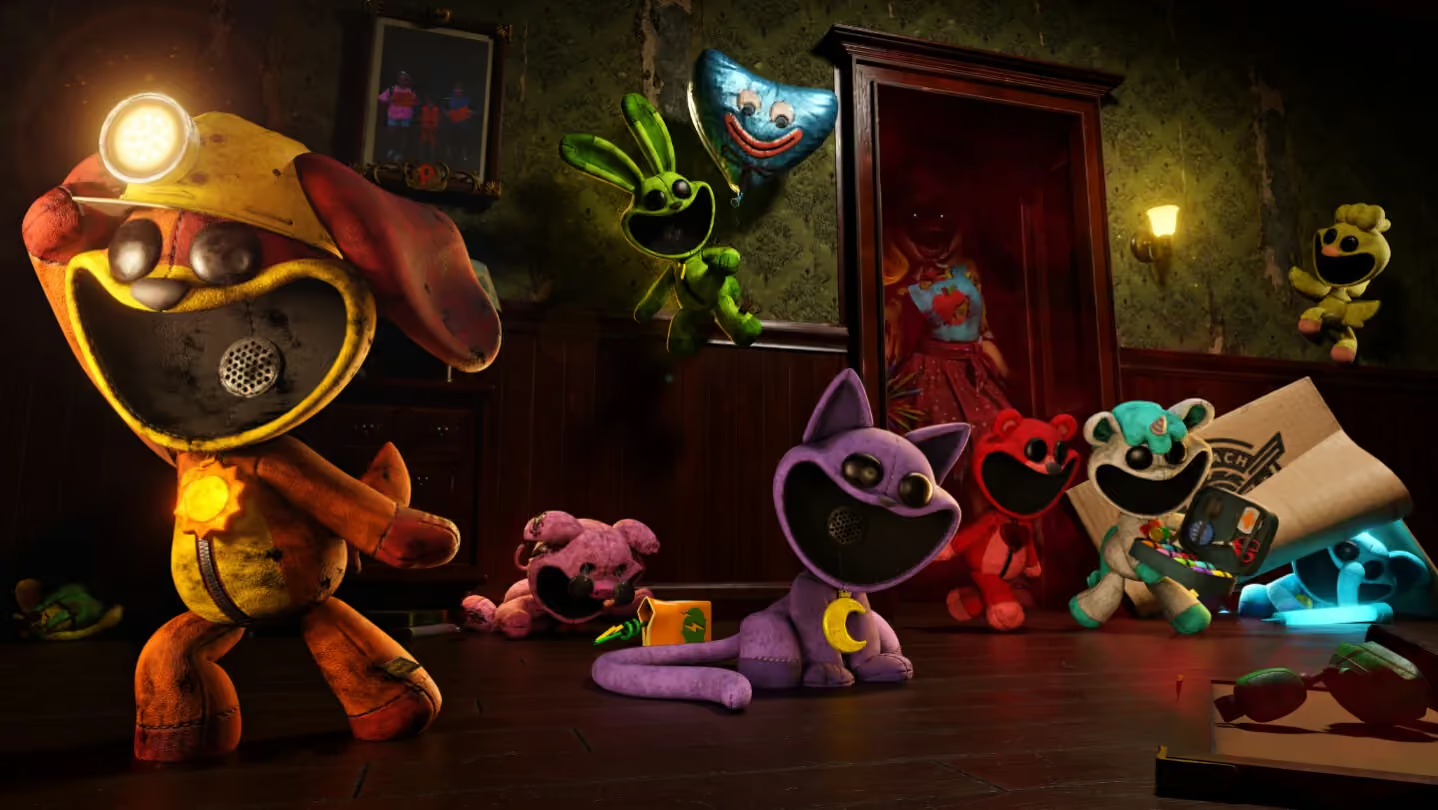
| Shining Critters Cosmetic Set | Shiny variants of all eight Smiling Critters |
| Retro Smiling Critters Arcade Cabinet | Perm-A-Lounge decoration |
| Miss Delight player emote | A character emote inspired by the teacher |

The arcade cabinet's description says it seems to be broken. Do not assume the decoration includes a confirmed playable minigame.
Four shiny skins wait for their default characters
CraftyCorn, KickinChicken, Bubba Bubbaphant, and PickyPiggy are progression unlocks in the base roster. Their Founders Pack variants become available after you unlock the corresponding default Critter.
That means a successful DLC claim and a locked shiny skin can coexist. First check whether the default character is still locked. The cosmetic pack does not bypass that requirement.
If the pack does not appear after claiming
Check the Steam account, exact DLC name, and whether it is associated with your Escape from Playtime copy. Then distinguish missing DLC ownership from a progression-locked character variant.
If ownership is present and the default character is unlocked, record which item is missing and the state of the relevant selection screen. Use the game's bug-reporting route for an unresolved content problem. There is no confirmed universal repair that guarantees restoration by reinstalling the game or deleting local progress.
Related guides
Sources and version notes
Prepared from research collected on October 22, 2026. Early Access rules and availability can change. Launch information takes precedence over older beta instructions. These official links provide current product information and updates; they do not verify every gameplay tip.